Captions that sound like you.
Carousels that look like your brand.
A 14-page, copy-and-paste workbook that helps you build two AI assistants that work together. Your copywriter turns one topic into five captions for every follower you have, and your visual assistant turns them into on-brand carousels. Set them up once and stop losing your evenings to content.
Instant PDF download. Works with Claude or ChatGPT.
Your AI Copywriter
Turns one idea into 5 tailored captions aligned with follower awareness levels.
Your Visual Assistant
Transforms your copy into slide-by-slide carousels ready to paste into Canva.
One topic, written five ways
See how your AI Copywriter turns a single wellness topic into content for every stage:
“Your 3pm sugar cravings aren't a willpower problem”
Unaware
Raise your hand if you "just need something sweet" every single day around 3pm. I used to think that was my personality! Turns out a lot of us have been blaming ourselves for something that usually starts hours earlier.
Problem aware
You eat so well all morning and by 3pm you're standing in the pantry wondering what happened. You're not broken and you don't need more discipline. Let's talk about what's actually going on.
Solution aware
You've cut sugar cold turkey before. It lasted four days. White-knuckling cravings rarely sticks, which is why the first thing I look at isn't your afternoon at all. It's your breakfast.
Product aware
Inside my program we don't start with a list of foods to cut. We start with your mornings, because that's where I see most of my clients' afternoons go sideways.
Most aware
If you're done negotiating with the pantry every afternoon, my next round opens [DATE]. Comment CRAVINGS and I'll send you everything you need to know!
You're great with clients.
The content is killing you.
You finish your last session, open Instagram, and sit there for 45 minutes trying to say something useful. So you ask AI for help and it hands you a caption that sounds like every other wellness account on your feed. Then you lose another hour in Canva trying to make it look decent.
I did this every single week in my own practice. I knew my stuff and I still couldn't figure out why nothing I posted was landing.
“The problem wasn't my writing or my design skills. I was talking to everyone the same way, and my AI was guessing at who I am.”
Some of your followers have no idea anything is wrong. Some are ready to book today. One generic caption can't reach both of them, and a blank AI chat will never know your voice, your clients' exact words, or what you're allowed to say. Period.
Two assistants. One simple workbook.
No videos to sit through and no fluff. Every page is a prompt you copy, a checklist you follow, or a worksheet you fill in!
Start with your Brand Brain
FoundationThe Brand Brain Interview
Core PromptA copy-and-paste prompt that turns Claude into a brand strategist who interviews you and builds the doc that teaches your AI who you are. No blank page required.
5 Awareness Levels Cheat Sheet
Strategy Cheat SheetA simple guide to what every follower needs to hear, plus a quick audit to find the gaps in your current posts.
Build your AI Copywriter
Assistant #1The Copywriter Prompt
Done-for-You PromptMy complete, done-for-you prompt with built-in wellness compliance guardrails so your AI never writes cure claims or guaranteed results.
Setup Checklists
Step-by-StepClick-by-click checklists for both Claude and ChatGPT so you know exactly where everything goes.
Command Cheat Sheet
Quick ShortcutsType "hooks," "caption," "email," "script," or "full set" and get exactly that format back, every time.
Test and Tune Guide
Fine-Tuning GuideA checklist and fix-it table for when your AI sounds generic, too formal, or uses words you hate.
Build your AI Visual Assistant
Assistant #2Brand Aesthetic Worksheet
WorksheetNail down your colors, fonts, and mood so your visual assistant knows exactly what your brand looks like.
The Visual Assistant Prompt
Done-for-You PromptA done-for-you prompt that creates slide-by-slide carousels, cover headlines, and image prompts in your brand style.
Carousel Planner
Planner & ChecklistA printable planner and pre-posting checklist so every carousel stops the scroll and ends with a clear next step.
Canva Template Guide
Template GuideBuild one branded carousel template so every post after that is a quick text swap, not a design project.
10 Prompts to Get Content Today
Bonus Prompts10 Plug-and-Play Prompts
Ready to UseOpen the right assistant, paste a prompt, and fill in the brackets. Every one works because your assistants already know your Brand Brain.
Put them to work
The bridge that connects your two AI assistants into an effortless weekly rhythm.
The Weekly Workflow
The exact 7-step handoff between your two assistants that turns one topic into a finished week of posts, plus a week-at-a-glance planner.
From blank screen to a finished week of posts
Five straightforward steps you can follow at your own pace this week.
Let Claude interview you.
15-20 minPaste in the Brand Brain Interview prompt, answer the questions, and walk away with the doc that teaches your AI who you are.
Set up your two assistants.
One-time setupFollow the checklists to drop both prompts and your Brand Brain into Claude or ChatGPT.
Give your copywriter one topic.
Weekly promptAsk for a "full set" and get content for every stage your followers are in.
Hand it to your visual assistant.
Instant slidesPaste in your favorite captions and get carousel outlines ready for your Canva template.
Post like you.
Done & dustedReview, tweak a few words, and schedule. Your evenings are yours again!
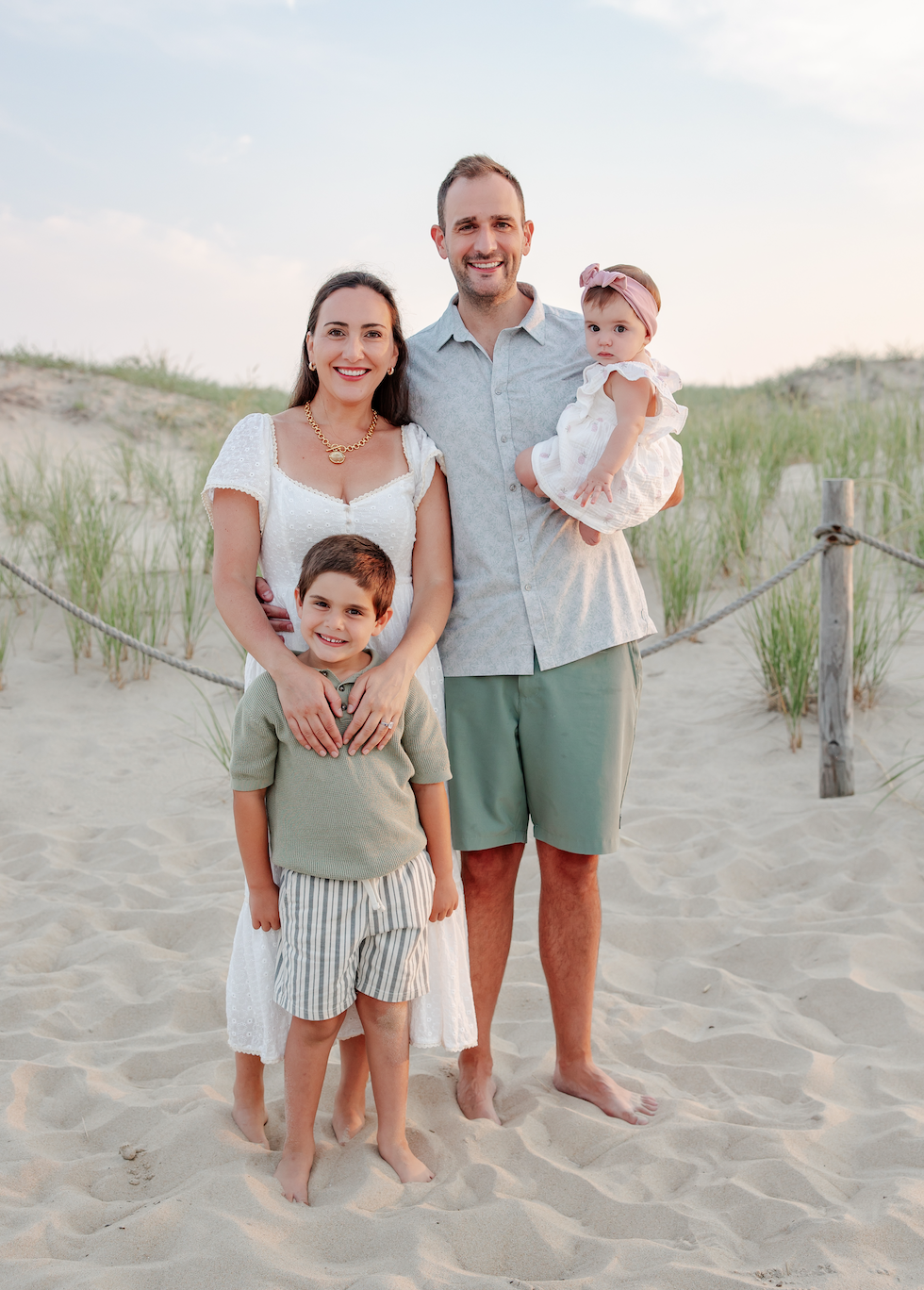
I ran a practice for nearly six years. I know where the time goes.
I'm an AI expert and systems strategist, and I managed a full team of practitioners and support staff. Now I help wellness practitioners build the systems behind their business so they can stop drowning in admin.
This workbook is the exact copy and carousel setup I use for my own content. I built it because I was tired of AI that sounded nothing like me and feeds that looked like everyone else's, and I put the whole thing on paper for you.
Your AI content duo, set up this week.
The AI Content Duo Workbook
14-page printable & digital workbook
One-time payment
14 pages with the Brand Brain Interview prompt, the AI Copywriter prompt, the AI Visual Assistant prompt, setup checklists, cheat sheets, the carousel planner, the Canva template guide, and the weekly workflow. Instant PDF download.
Everything Included:
- Brand Brain Interview prompt (teaches AI who you are)
- 5 Awareness Levels cheat sheet & content gap audit
- Done-for-you AI Copywriter prompt with wellness guardrails
- Done-for-you AI Visual Assistant carousel prompt
- Step-by-step setup checklists for Claude & ChatGPT
- Command Cheat Sheet & Test and Tune Guide
- Brand Aesthetic Worksheet & Canva template guide
- Carousel Planner & Pre-posting Checklist
- The Weekly Workflow 7-step handoff guide
- 10 plug-and-play prompts to get content today
Before you grab it
Everything you need to know before getting started.
Yes! If you can copy, paste, and answer questions about your own practice, you can set this up. Every step has a checklist.
No, it's a workbook. You get a 14-page PDF with everything you need to build both assistants yourself, at your own pace, with no videos to watch.
You can start on a free plan. A paid Claude or ChatGPT plan unlocks Projects or Custom GPTs, which makes the setup much easier, and the workbook covers both.
A Canva account for your carousels and 3 to 5 captions or emails you've written that you love. That's it.
Both prompts include wellness guardrails that tell your AI to avoid cure claims, guaranteed results, and images that imply a health outcome. You still review everything before it goes live, because you know your scope of practice best.
Plan on an afternoon or two to build your Brand Brain and set up both assistants. After that, a full week of content takes minutes to draft.